
 n8n
n8n Claude Code
 Kilo Code
 Cline
Cline OpenCode
 OpenClaw
 Hermes Agent
Integration: Lunos with n8n
You can connect Lunos (or another OpenAI-compatible API) to n8n and chain AI steps with hundreds of other services. Point the OpenAI credentials at the Lunos base URL and use normal OpenAI or chat nodes.
Prerequisites
- n8n instance (cloud or self-hosted)
- Lunos API key
- Model ID available in your account
Setup
- Create OpenAI credentials in n8n.
- Open Credentials from the left sidebar.
- Click Create credential and choose OpenAI.
- Give it a clear name such as
Lunos OpenAI.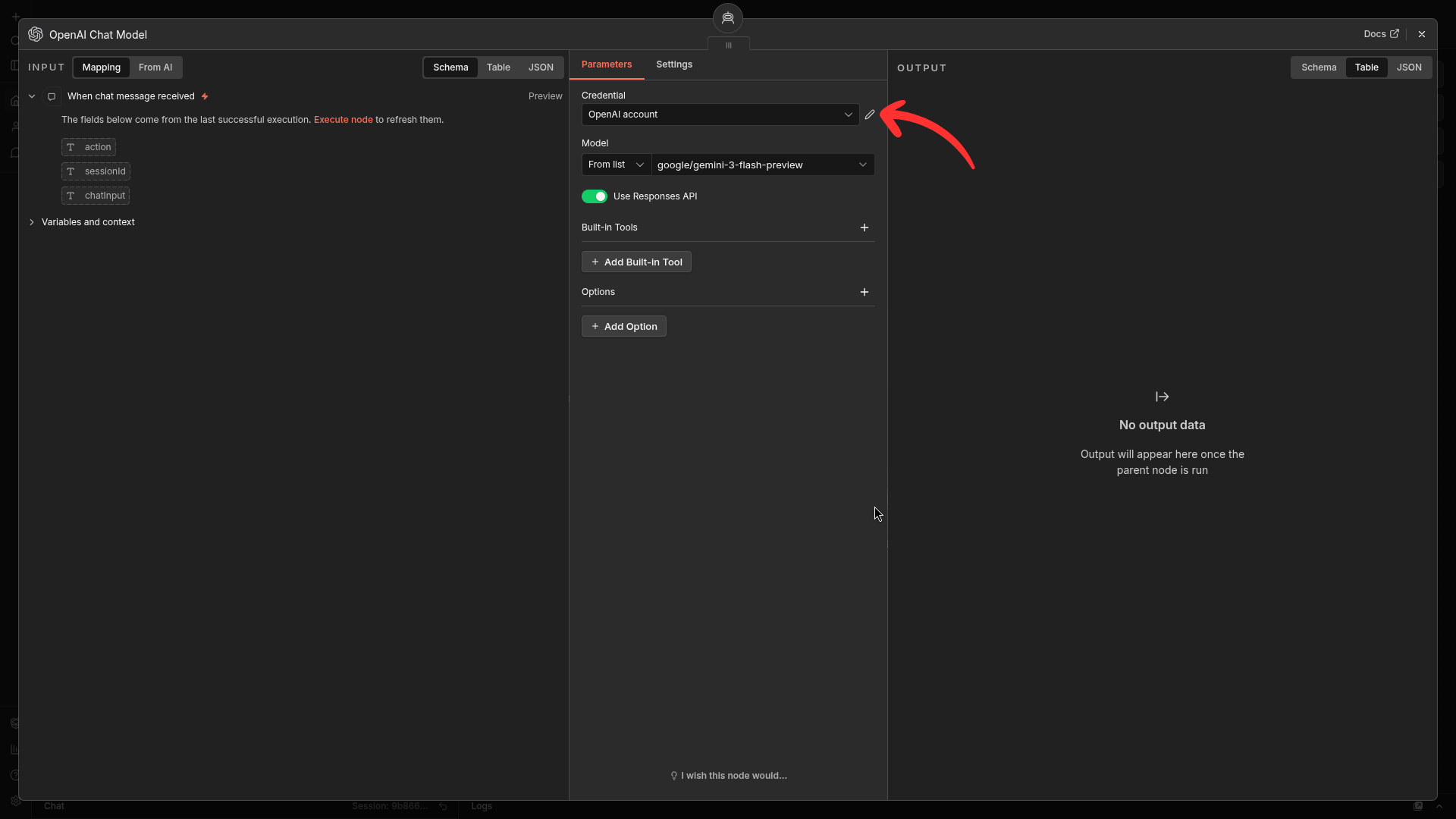
Credentials creation form in n8n.
- Set Base URL to
https://api.lunos.tech/v1or your own deployment URL.- In the same credential form, locate the Base URL field.
- Replace the default value with the Lunos endpoint.
- Keep the trailing
/v1to match OpenAI-compatible routing.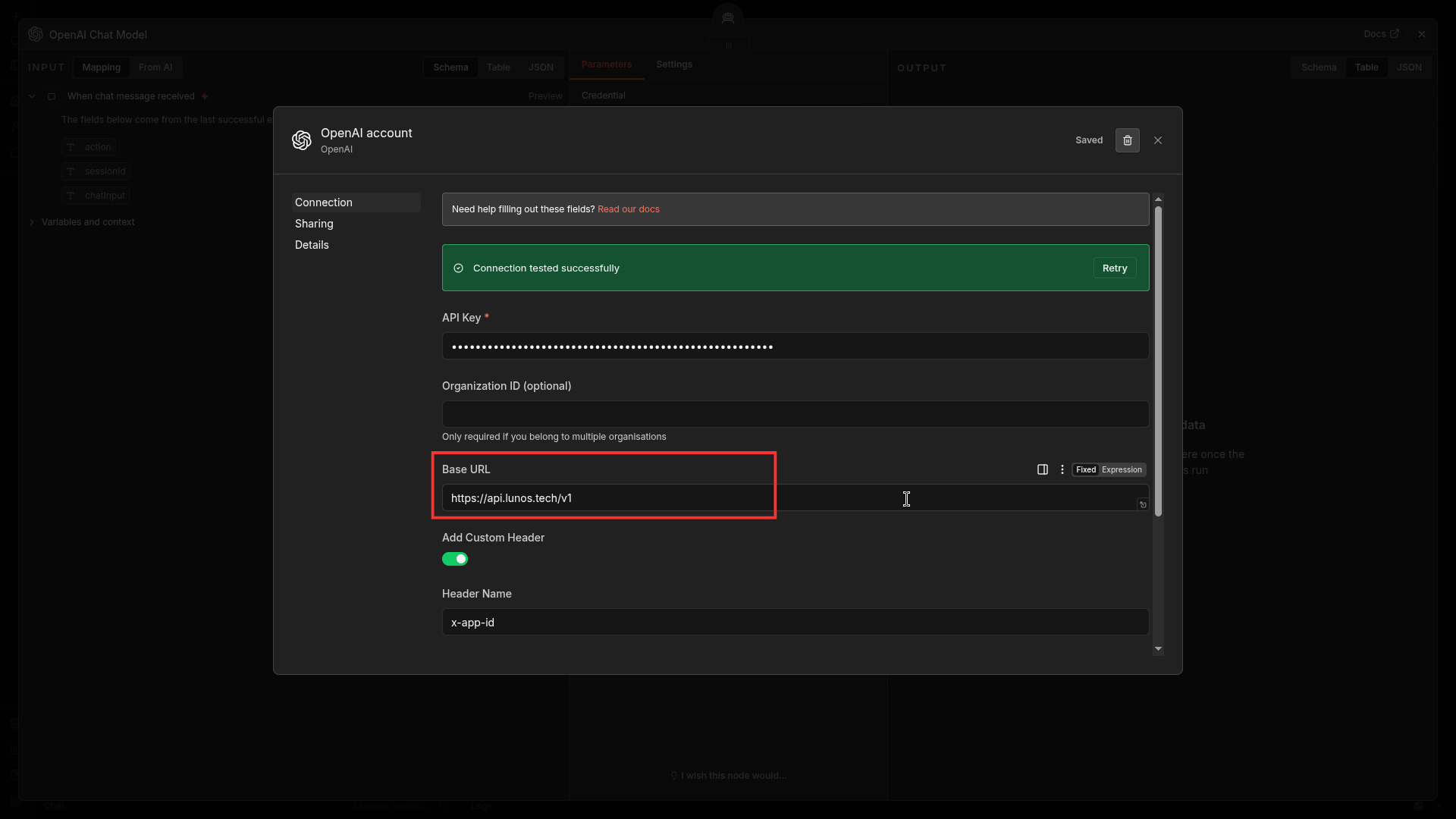
Base URL set to the Lunos endpoint.
- Set API key with your Lunos key.
- Copy your API key from your Lunos dashboard.
- Paste it into the credential API key field.
- Save credentials and run a quick test if the node supports it.
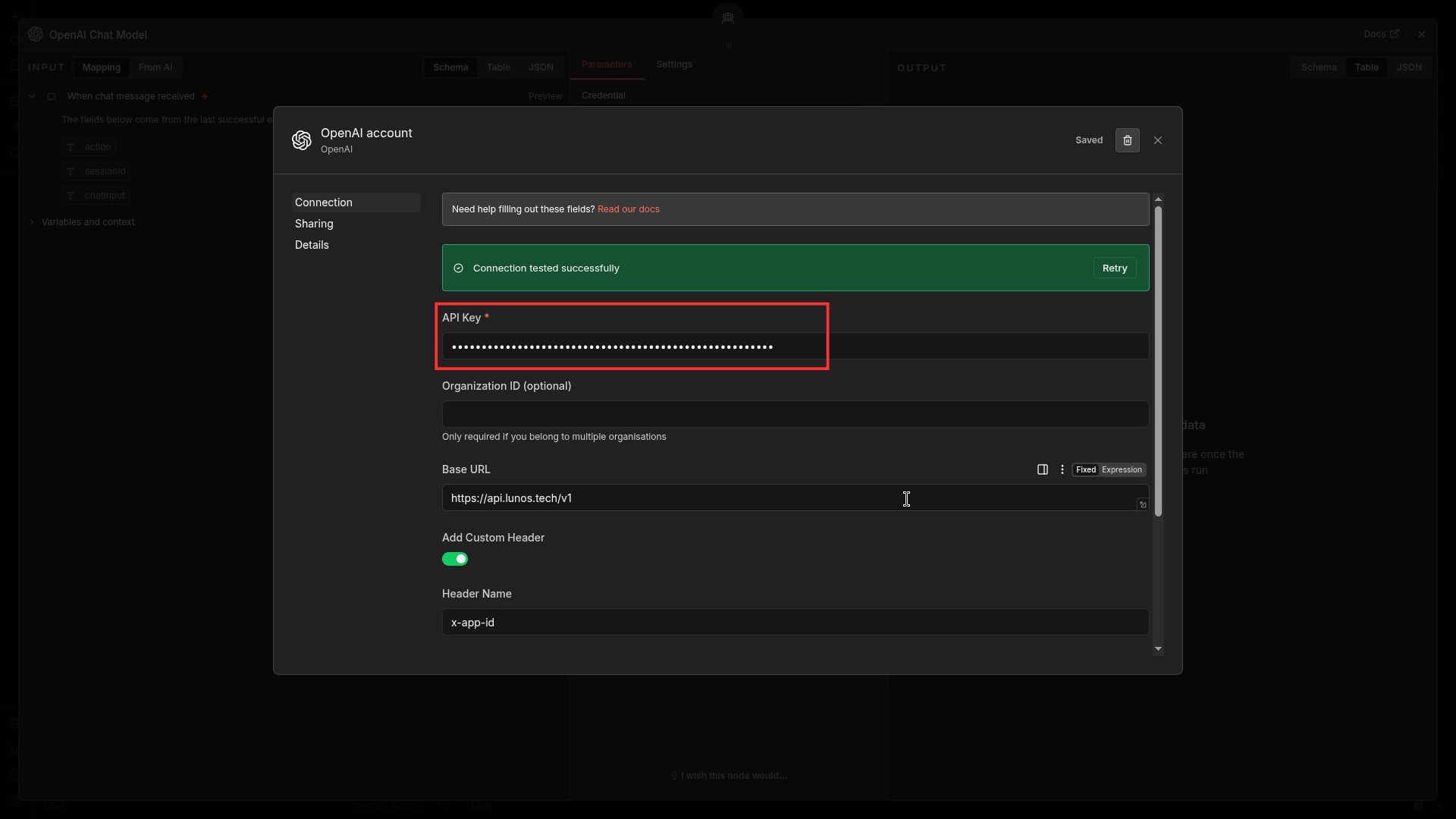
API key field filled (key hidden).
- Add an OpenAI or OpenRouter node in your workflow.
- Open your workflow canvas and click Add node.
- Select OpenAI or OpenRouter based on your n8n version.
- Attach the node to your existing trigger or previous step.
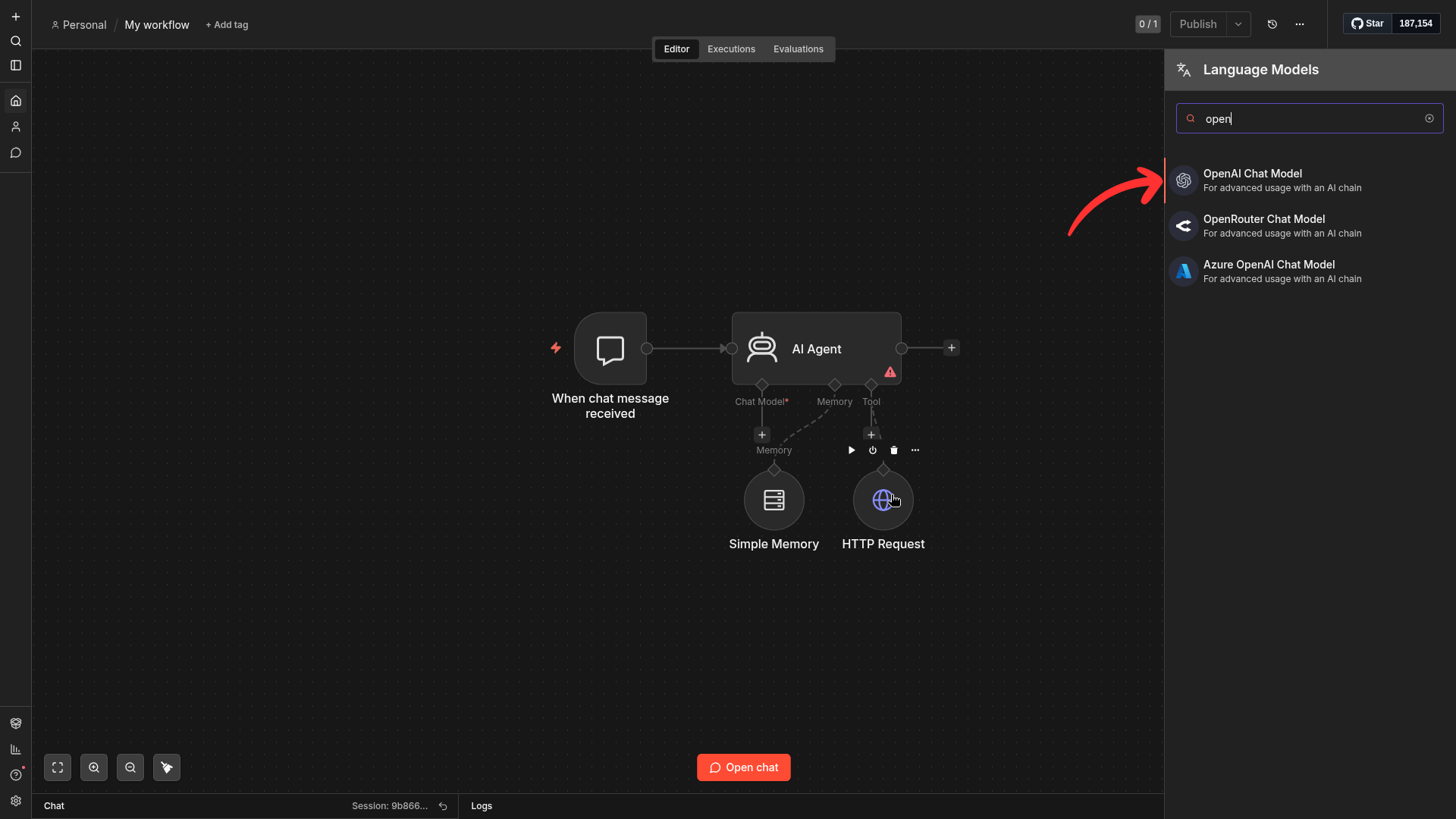
AI node selected and connected in workflow canvas.
- Set
modelto your target model ID, for exampleopenai/gpt-4o.- In node parameters, choose the credential created earlier.
- Fill the model field with a valid Lunos model ID.
- Run the node once and confirm the output is returned successfully.
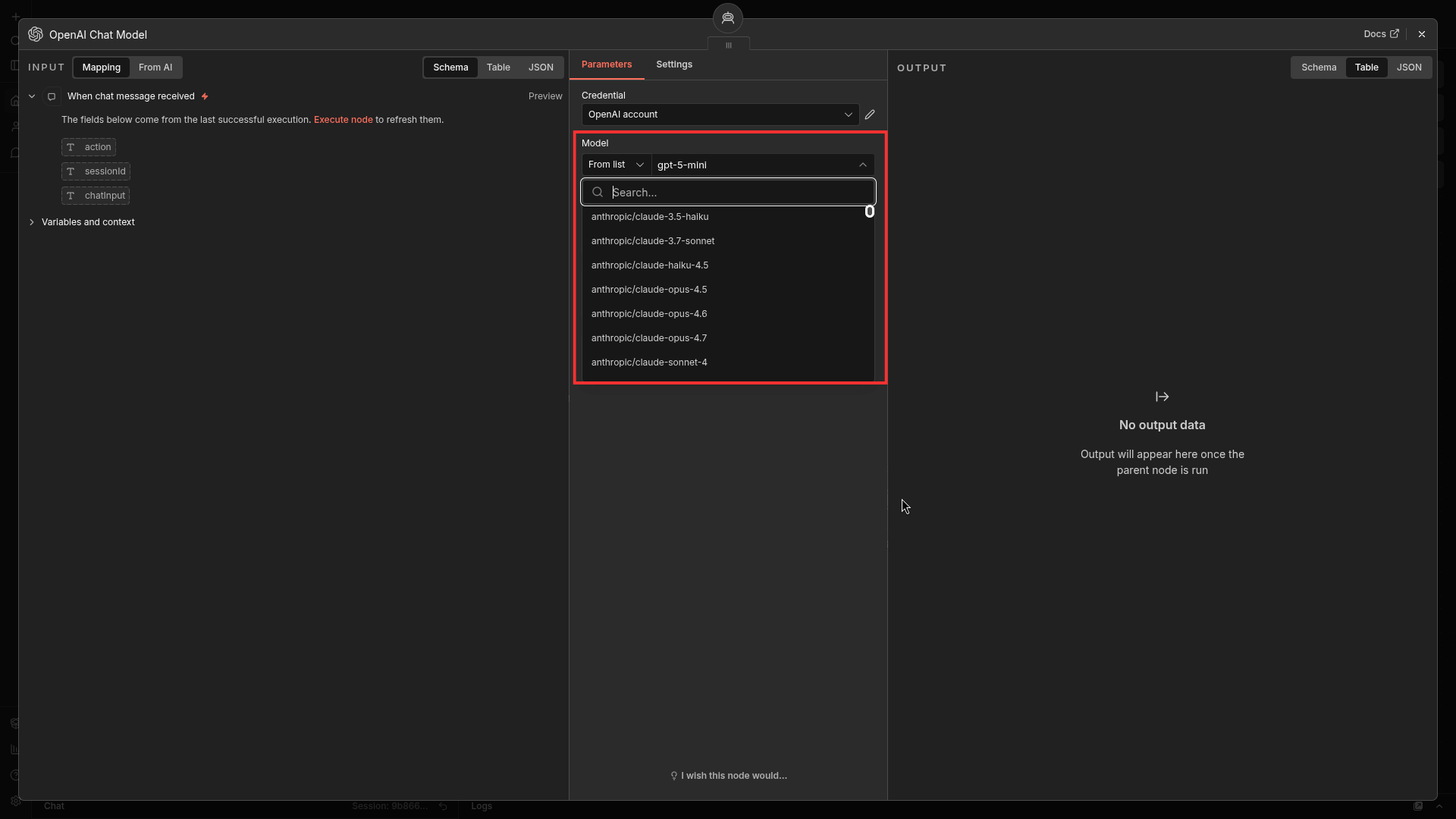
Model field configured with a Lunos model ID.
Dynamic model routing
Use n8n expressions so the model can be selected per execution. This keeps one workflow reusable across quality, latency, or pricing targets.
Compatibility notes
- Older n8n versions can use OpenAI node with custom base URL.
- Newer n8n versions may also provide an OpenRouter-specific node.
- Tool calling and multimodal support depend on the selected model.
Security
Store Lunos credentials in n8n credential storage and avoid embedding API keys in exported workflow JSON.
On this page
No headings found on this page.